Arkansas's Education Freedom Accounts (EFA) is a state-funded initiative that allows parents to use public funds for diverse educational expenses outside the public school system.
We're proud to be an EFA-funds approved education provider in Arkansas.
Eligibility
Eligibility requirements for the EFA in Arkansas
Every K–12 student in Arkansas is eligible to participate in the state's Education Freedom Account (EFA) program, regardless of family income, where the student lives within the state, or the student's past academic performance, and even if they already attend private schools or are homeschooled.
Students must meet three requirements:
- Reside in Arkansas
- At least 5 years old by September 1st of the applicable school year
- Students enrolled in public or charter schools must withdraw upon signing their ESA contract
Note — students cannot simultaneously accept EFA funds and a scholarship from Arkansas's Student Tuition Organizations (STOs).
Application
The EFA application process in Arkansas
Applications for EFA funds are submitted through the Arkansas Department of Education's online portal.
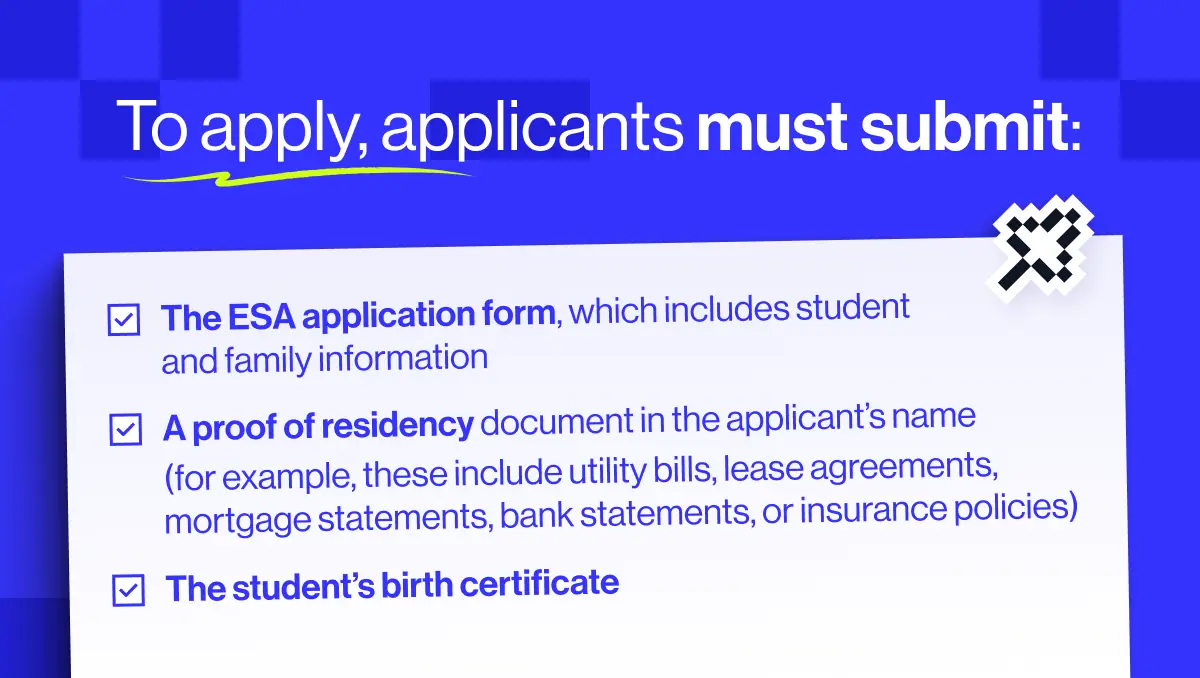
To apply, applicants must submit:
- The EFA application form, which includes student and family information
- The student's birth certificate
- A proof of residency document in the applicant's name (for example, utility bills, lease agreements, mortgage statements, bank statements, or insurance policies)
Applications are usually reviewed and rejected or approved within 30 days by the Arkansas Department of Education.
If approved, parents are then required to sign an EFA contract. Once an EFA contract is signed, if the student is enrolled in a public school they are automatically withdrawn.
Note — EFA funds are awarded per student and cannot be shared. Every child — including siblings — must apply for and receive their own scholarship.
Using Your Funds
How to spend EFA funds and what they can be spent on
Once approved, EFA funds are deposited quarterly in the student's ClassWallet account. Neither students nor their parents receive the funds directly. While a portion of funding must be spent each year, any remaining funds remain in the account and roll over to the next year.
The purchasing of services using EFA funds happens through ClassWallet, in one of three ways depending on the expense:
- 1.Direct payment — Parents submit a payment request through the EFA portal. The Arkansas Department of Education then pays the school or provider directly.
- 2.Marketplace purchases — Parents purchase approved items directly from vendors listed in the ClassWallet marketplace.
- 3.Reimbursement (rare) — Parents pay out of pocket first and then upload receipts and documentation for reimbursement.
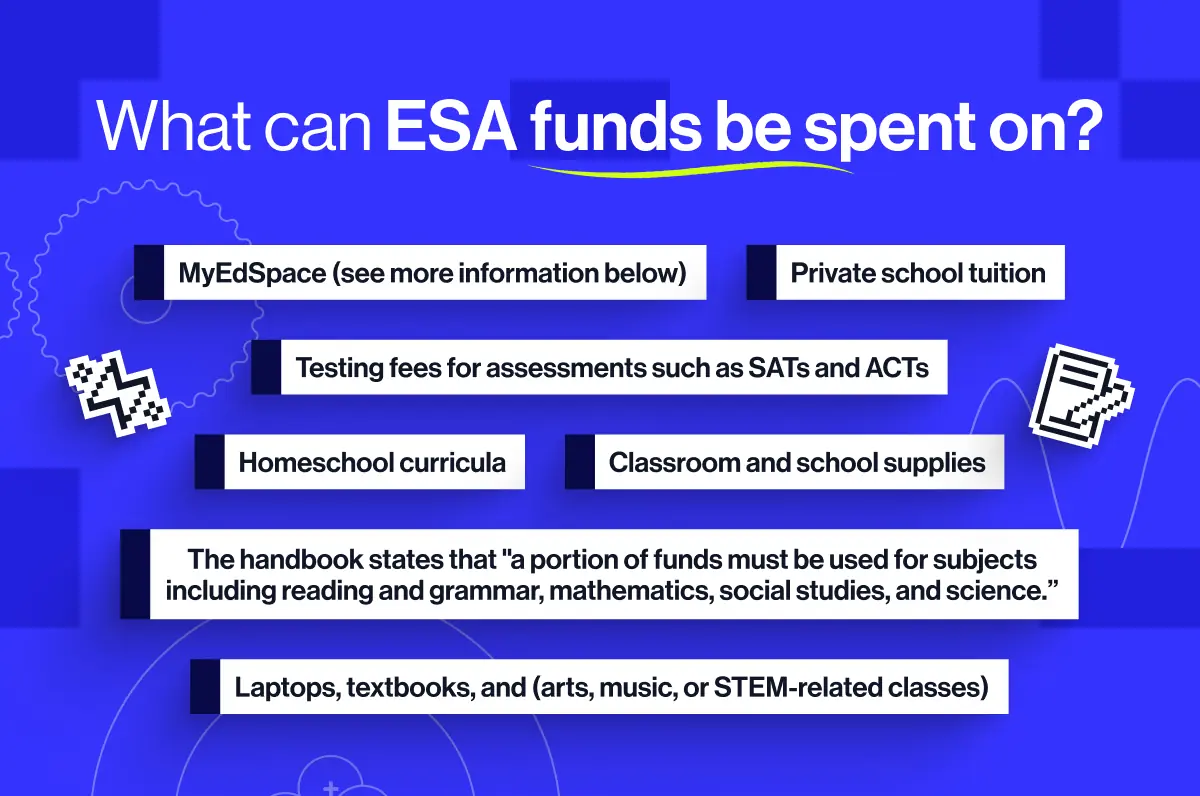
EFA funds can be spent on:
- MyEdSpace (see more information below)
- Private school tuition
- Homeschool curricula
- Classroom and school supplies
- Testing fees for assessments such as SATs and ACTs
- Laptops, textbooks, and arts, music, or STEM-related classes
- The handbook states that "a portion of funds must be used for subjects including reading and grammar, mathematics, social studies, and science."
Some EFA funds must be allocated to subjects including reading and grammar, math, social studies, and science.
For students with documented disabilities, funding can also be used for educational therapies, evaluations, paraprofessionals, and other accommodations.
Note — EFA funds cannot be spent on public school tuition or unauthorized expenses.
All documentation related to purchases must be retained as they may be audited. Misuse of EFA funds can result in removal from the programme and repayment.
MyEdSpace
How to use your EFA funds with MyEdSpace
Thanks to our expert teachers, world-class resources and proven record of success, MyEdSpace is approved by the Arkansas Department of Education as a suitable option for spending EFA funds.
Families can use their EFA funds with MyEdSpace, to give their children access to the USA's top teachers, via live, online lessons. Plus all this:
- Every live lesson is recorded and available to re-watch whenever and wherever, 24/7
- Bespoke workbooks for every lesson
- Targeted practice questions to reinforce knowledge
- Step-by-step video explanations for every topic

To use your funds with MyEdSpace, follow these simple steps:
- 1.Log in to your ClassWallet account
- 2.Search "MyEdSpace" in the Directory or on MyScholarShop
- 3.Select MyEdSpace and authorize the payment
At that point ClassWallet will work with us directly to process the transaction. Once processed, we'll email you your MyEdSpace login details. And, that's it.
Keep Reading